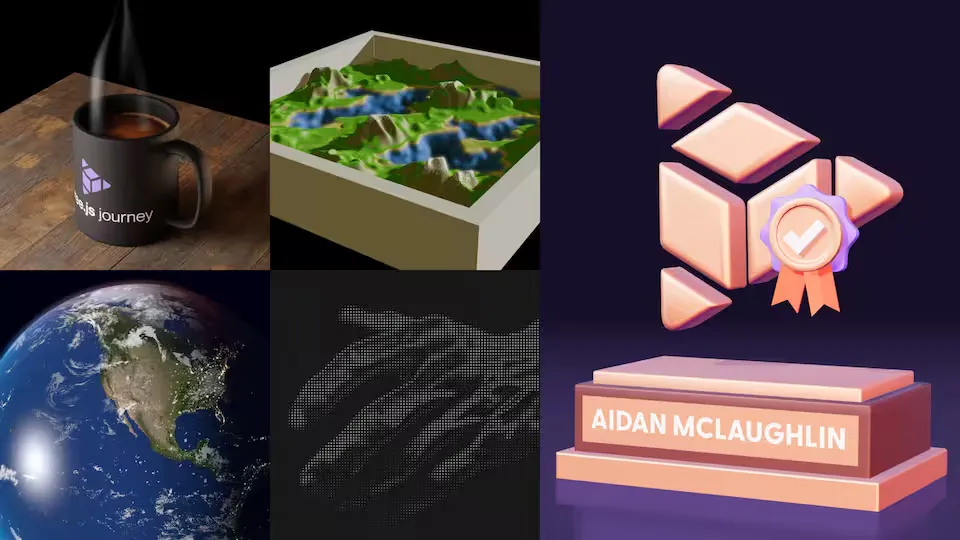
Three.js Certificate
- HTML
- CSS
- TypeScript
- Three.js
After 93 hours worth of video across 66 lessons, I finally wrapped up Bruno Simon’s excellent Three.js Journey Course. I loved working through it and am excited to play with Three.js in more projects!

The course begins with the basics and gradually introduces more advanced techniques until eventually putting everything together by loading a custom scene created in Blender and optimized for web.
At the end, there’s a significant section that shows how to apply all of the same techniques with React Three Fiber, while showing how R3F makes certain things, like pointer events, a lot simpler for interactive sites.
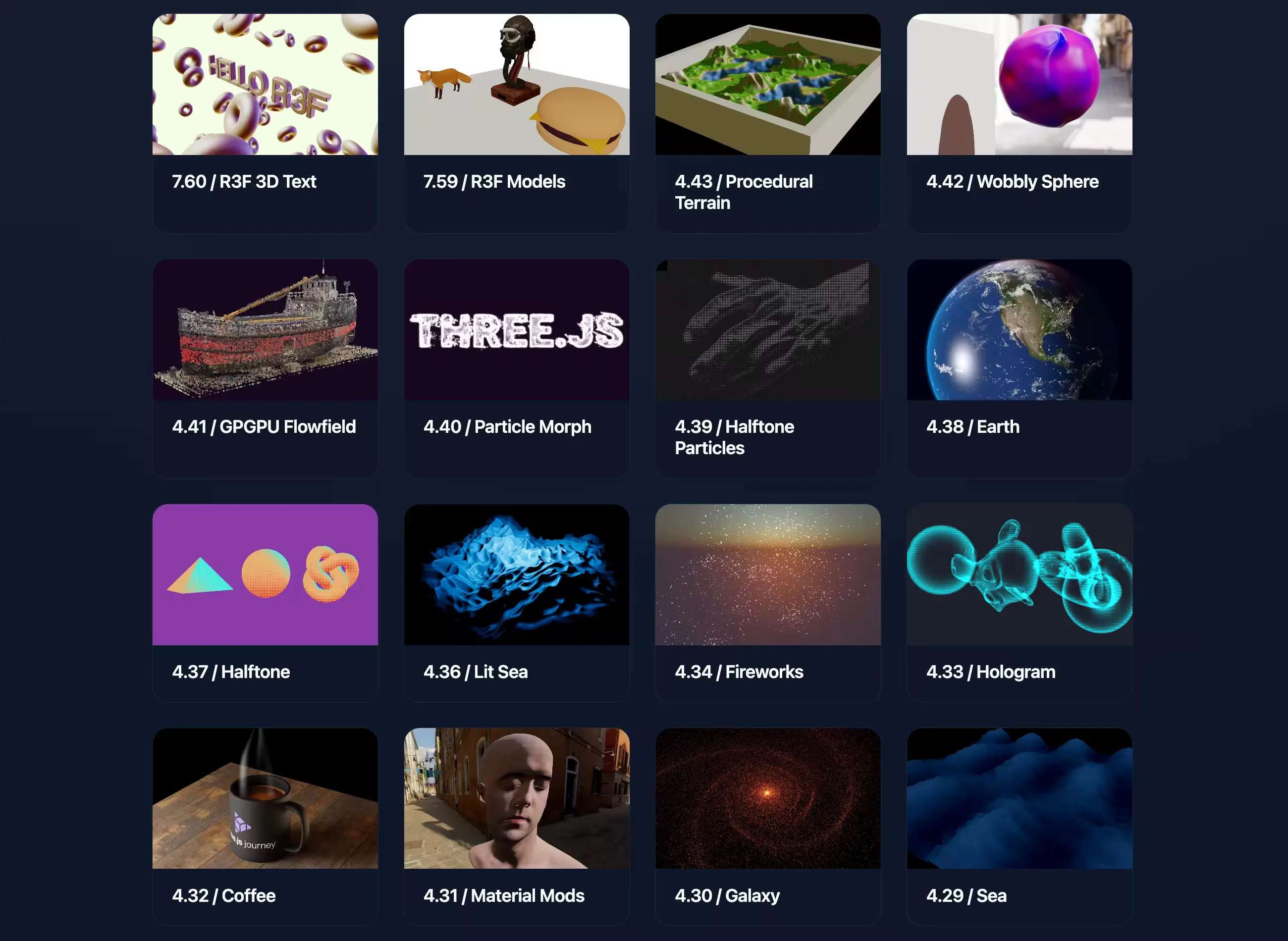
I figure it’s better to show than tell, so click here if you want to see my results from most of the lessons. Below I’ll cover a few specific projects:
Tiniest Violin

I wanted to make an interactive toy using some kind of body tracking to place Three.js objects. To get started I placed a little sphere on the tip of my index finger, and playing that little demo quickly reminded me of the “world’s tiniest violin” joke. I found free models for the violin and bow and grabbed the audio from SpongeBob.
Jellyfish Party
Animated jellyfish in a flocking simulation lighting up in time with music
Another demo referencing SpongeBob, I started out wanting to implement something that would only really run smoothly if offloaded to GPU, using Three.js Shading Language (TSL). TSL is relatively new, and something exciting about it is that it can output WGSL and make use of WebGPU features like Storage Buffers directly as opposed to Three.js’ existing GPUComputationRenderer, which emulates similar data storage by ping-ponging between texture buffers and reading from those. I worked with that approach in Bruno’s course, but it didn’t come very naturally to me, where TSL ultimately avoids that overhead using an abstraction that felt more intuitive.
The “something” I decided to implement was a Boid flocking algorithm - where I needed to calculate the movement of 10K entities based on their surrounding entities. I used a basic approach where every boid is checked against every other boid for O(N**2) complexity, which could be cut down by doing some tracking of which slice of space a given boid is in, but the naive approach demonstrated my goal well enough: if doing the same in JS (CPU) with 10K boids the simulation would be slow.
I’ll have to keep exploring TSL, but as of now I hope to make it my default for shading work!
Portal
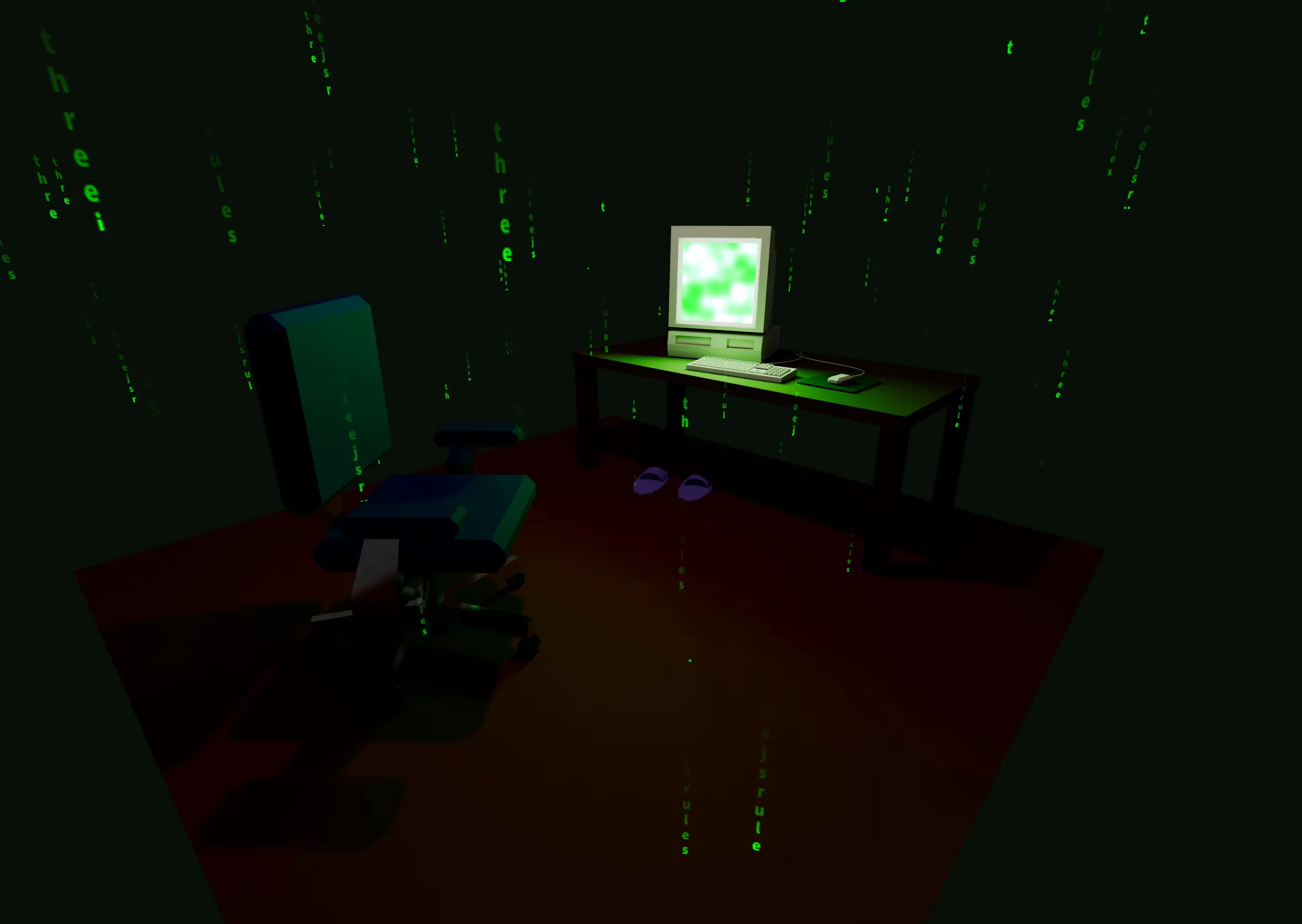
A section of the Three.js Journey course is dedicated to creating a basic scene in Blender and preparing it for performant rendering on web with Three.js. There’s an official scene that Bruno walks students through modeling of a portal on a pathway, and something about it made me want to do my own portal scene where somebody just got sucked into their computer.
The “billboarding” text streams use a texture I created that’s just vertical white text on a black background, and I wrote a shader to run a fading green gradient from top to bottom that only shows on the white text.
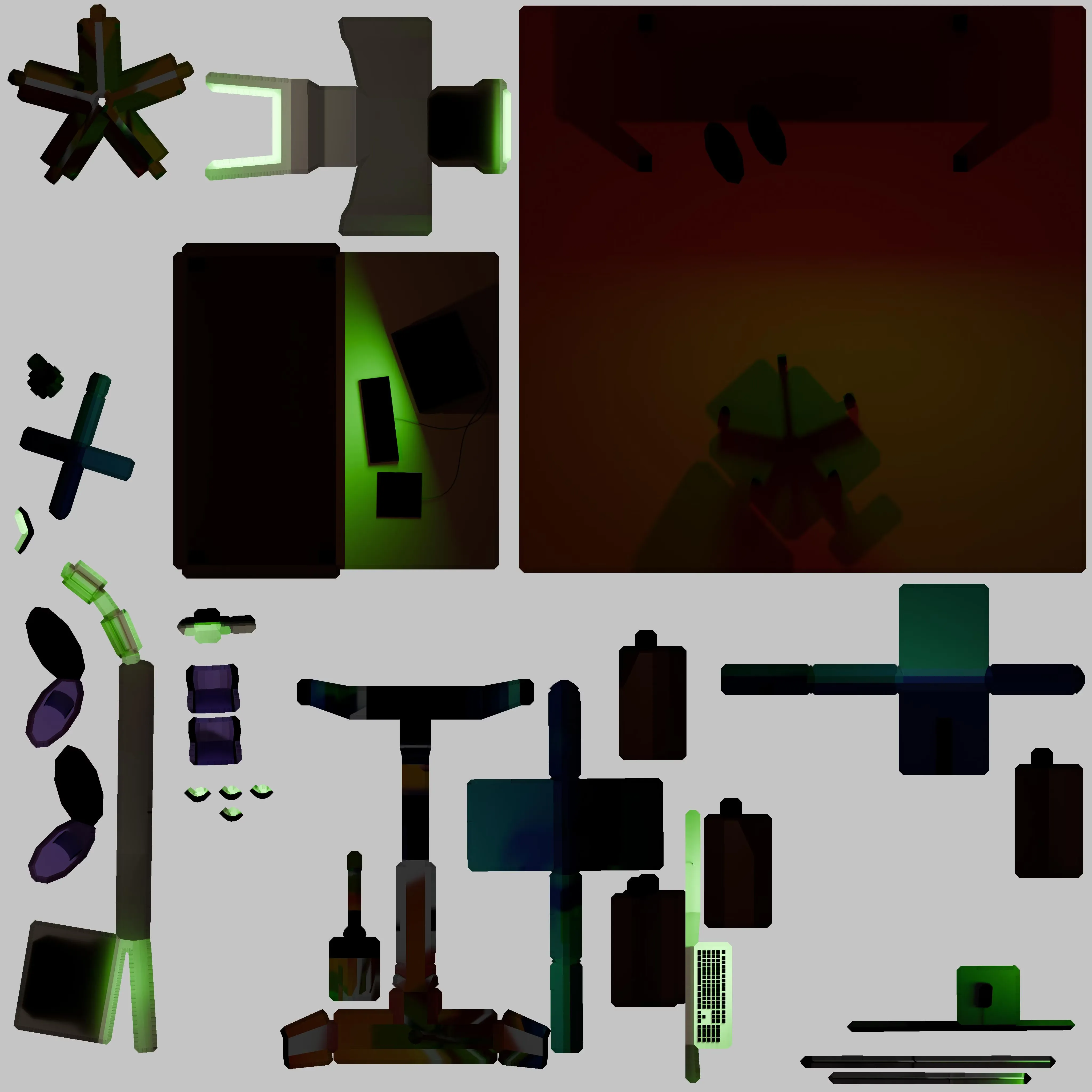
I had learned a little about UV unwrapping in Blender from working with premade or node-based textures in the past, but actually lining them up on a texture to be baked made things sink in more deeply conceptually. The unwrapping process was quite zen, and while I didn’t end up free of stretching, I’m happy with where I landed: